
One workspace for the whole immigration file
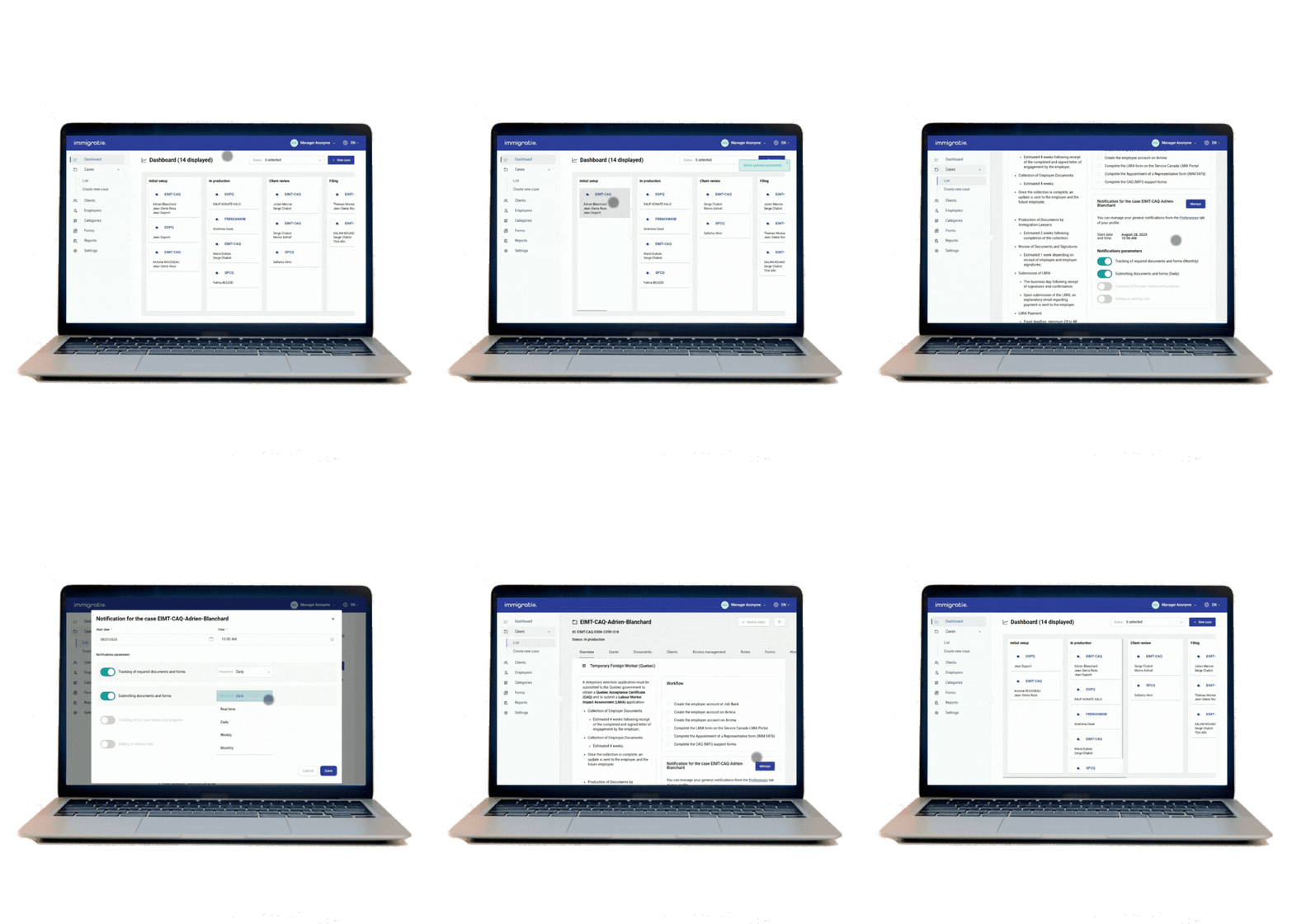
Intake, documents, forms and approvals stop living in four different places. Immigratio runs the matter from the first questionnaire to the exported package, and records what happened at every step.
1Intake that collects the right thing the first time
Most rework starts at intake. A questionnaire built for the matter type asks only what that matter needs, shows examples of what a good document looks like, and gives the client a live view of what is still outstanding.
- Dynamic questions that branch on the answers already given
- A white-label client portal that runs under your firm's name and letterhead
- Automatic reminders, so nobody on your team is chasing a birth certificate
2Validation the moment a document arrives
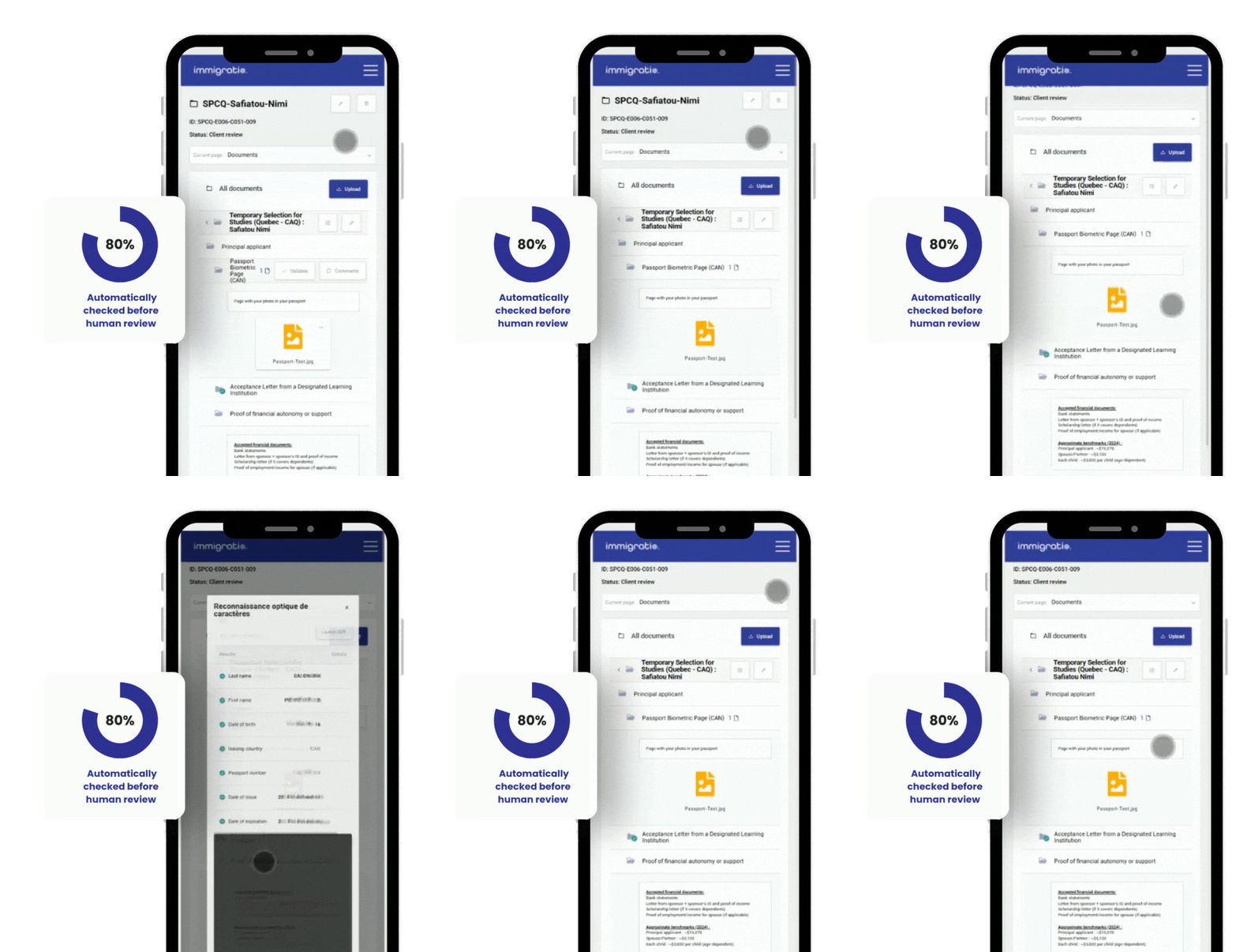
Every upload is checked while it is still cheap to fix. Expired passports, wrong formats, missing pages and blank fields surface immediately instead of three weeks later when the package is being assembled.
- Completeness checks against the checklist for that matter type
- Expiry and date validation flagged before it becomes a refusal risk
- Extracted values linked back to the page they came from, so you can verify them
3Forms and drafts generated from your templates
IRCC and USCIS forms are mapped to the data you already collected. Support letters, affidavits and submission letters come out of your own templates, in your own voice, with merge fields doing the typing.
- Your questionnaires, workflows and checklists, imported during onboarding
- Template versions shared across the team with role-based access
- Clean PDF exports and assembled binders when it is time to file
Control, because the file has to survive scrutiny
An immigration file is evidence. Immigratio keeps the record of who changed what, who approved it, and what the document looked like at each version.
Versioning
Every draft is kept. No more hunting for the last good version of a letter or wondering which passport scan is current.
Approvals
Nothing goes out without a human sign-off. Reviewers are named, and the approval is part of the file.
Audit trail
Key actions are logged, so you can show your work to a client, a regulator or a court without reconstructing it from memory.
What you get out of the box
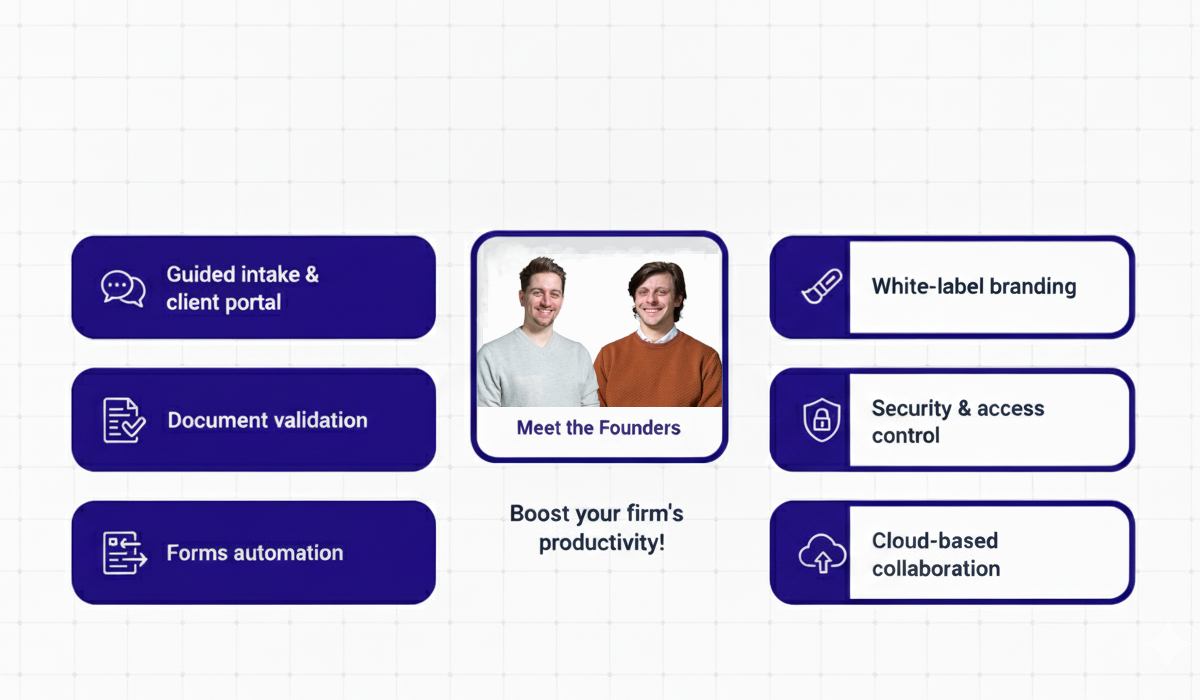
Guided intake and client portal
Step-by-step checklists, dynamic questions, examples and live status keep clients moving with fewer emails.
Document validation
Catch missing items, expiries and format issues automatically, and trigger reminders so files stay on track.
Forms and drafts automation
Map IRCC and USCIS forms, generate letters and affidavits from templates, and reduce rework with merge fields.
White-label branding
Run under your banner, from portal to emails to templates and disclaimers.
Collaboration and tasking
Assign roles, due dates and service levels, and keep everyone on the same checklist.
Versioning and audit trails
Track changes, capture approvals and preserve a clean history for quality and compliance.
Integrations and exports
Connect email and calendar, e-signature and cloud storage, then export tidy PDFs or binders.
Security and access control
Encryption in transit and at rest, role-based permissions and Québec Law 25 compliance.
See it run one of your own matters
Bring a matter type you handle often. We will show you what intake, validation and drafting look like for that exact file.